
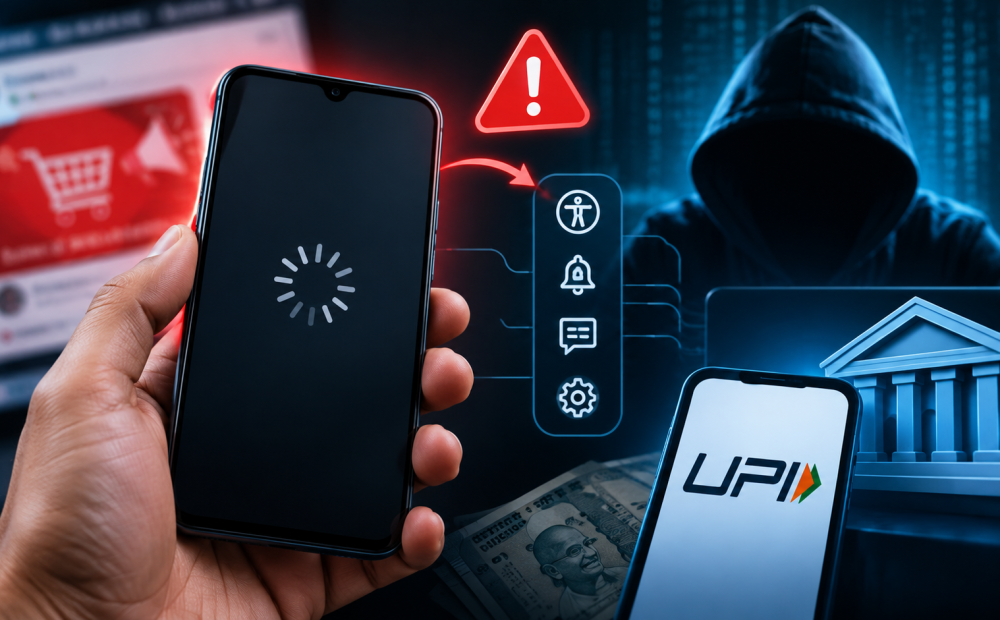
A phone that suddenly freezes after clicking an unfamiliar link or social media advertisement may look like a harmless technical glitch. But scammers can use such incidents to create panic, pose as customer support agents and trick users into giving them access to sensitive financial information.
Cybersecurity experts warn that these scams are increasingly combining malicious apps, social engineering and Android permissions to target users.
According to Harish Kumar, CEO of Quick Heal Technologies, the frozen screen may simply be a distraction. Scammers can use fake error messages or calls claiming to be from customer support and then persuade victims to install APK files disguised as cashback, rewards, verification or service apps.
Once installed, malicious applications can abuse accessibility, notification and SMS permissions to monitor activity, read OTPs and potentially control parts of the device. Attackers may also use screen-sharing or remote-access applications to watch victims in real time.
Experts say scammers generally do not need to break UPI’s security. Instead, they target the device, credentials or the user. In some cases, victims are manipulated into entering their UPI PIN or approving a transaction themselves, making the payment appear legitimate.
If your phone suddenly freezes after clicking an unfamiliar link, do not panic or follow instructions from unsolicited callers.
Disconnect mobile data and Wi-Fi, avoid entering your UPI PIN or banking credentials, and do not install any application suggested by a stranger claiming to fix the problem. Remove suspicious apps, revoke unnecessary accessibility or device-administration permissions and scan the device using a trusted security solution.
If you suspect that your banking information has been compromised, contact your bank through its official channel, check recent transactions and change your credentials from a clean device. For suspected financial fraud in India, report the incident immediately by calling 1930.
The key warning is simple: a genuine bank or service provider will never ask you to install a remote-access app or share your screen to resolve a routine UPI issue.